Tips for Moving Inventory on Poshmark

Poshmark inventory can take a bit of time to move depending on the item. I usually let a regular $20-40 priced item sit 2-3 months before moving on to additional steps. Higher-end items with big price tags can take longer to sell and are worth letting sit for even up to a year, but don’t fret! This is my process for moving inventory I know was a bad buy or just isn’t selling on Poshmark:

  1. Send Your Lowest Offer
  2. Relist the Item
  3. Sell to Consignment Stores
  4. Send Items to ThredUp
  5. Re-Donate

Send Your Lowest Offer

In the current buying climate I send 20-30% offers to every liker as they come in. In the past I would wait and only do it on Wednesdays or Saturdays all at once. Your game plan will probably change depending on what’s working for you! Right now people want higher discounts than 10% and quick sales.

Your mindset will most likely change after a few weeks or months on the lowest amount you will take for your item. If you send your lowest offer and no one accepts, I would move onto the next steps!

Relist the Item

Relisting means completely deleting the old listing and creating a new one. You can copy the listing with Poshmark’s new “copy” feature (located in the old listing by the delete button) and keep the old photos. Or you can rephotograph the item if you think it is necessary! I suggest you check the pricing and make sure it’s still competitive!

Reasons to relist are that the item has been sitting for several months with no action or you want to “reset” the listing. In this case, we want to hit the reset “button.” If you’ve sent out your lowest offers, relisting will give you a fresh start with new likes!

**Hot Tip: if you have current offers out on an item, but want to delete it just change the size of the item –>list–>edit–>delete. This cancels out any active offers.

Sell to Consignment Stores

So you’ve tried it all and Poshmark is just not on your side? There is still hope for moving your inventory! Consignment stores are a great way to move your items quickly and get some cash.

This is how I handle consignment:

  1. Think about where you are taking your items before pulling them. Certain stores take certain brands. For example Plato’s Closet is more teen & mall brands while Style Encore is career and mature brands. If you are unsure, call the store ahead and ask what kind of brands they accept. All will say they only accept styles from the last 2 years, but no harm in trying!
  2. Don’t take 4 giant bags at a time. Rumor is that some stores will only accept a certain amount of your items no matter how great they are. Split it up between stores, locations, and days.
  3. Mark your items as “not for sale” instead of deleting them. The consignment store won’t take every item. This way the item won’t sell while you are moving it, but you can mark it for sale if they don’t take it.

**Hot Tip: only take unflawed items and remember that if it’s a designer bag or shoes they might ask for proof of purchase. A Goodwill receipt is probably not what they want to see 🙂

Send Items to ThredUp

ThredUp is a true consignment system where they only pay you when your item sells. This is my last resort for moving stale inventory because the payout is usually minimal depending on the brand and style.

That isn’t to say you can’t make big money on ThredUp! You just need to do research on brands that sell well on the platform.

Most of my regular cleanout items have a 15% payout which is just a few bucks. This is fine if you received the inventory for free or if it’s your last step before donating it back! $3 is better than zero.

ThredUp Luxe payouts are much higher. 80% has been my highest for Manolo Blahnik booties.

Here are some recent solds from a ThredUp Luxe bag! Remember, you only need one “Luxe” brand item in the bag to reclaim your items for free.

**Hot Tip: you can also consign with The RealReal. I suggest finding some ThredUp pros on Instagram or YouTube if you are wanting to learn more!

Re-Donate

And your item has come full circle! Sometimes a bad buy is just a bad buy. Just remember this mistake when you are out sourcing!

**Hot Tip: you can write off your donations. Do your research or ask a financial professional how.


Do you have any tips for moving inventory? Tell me in the comments!

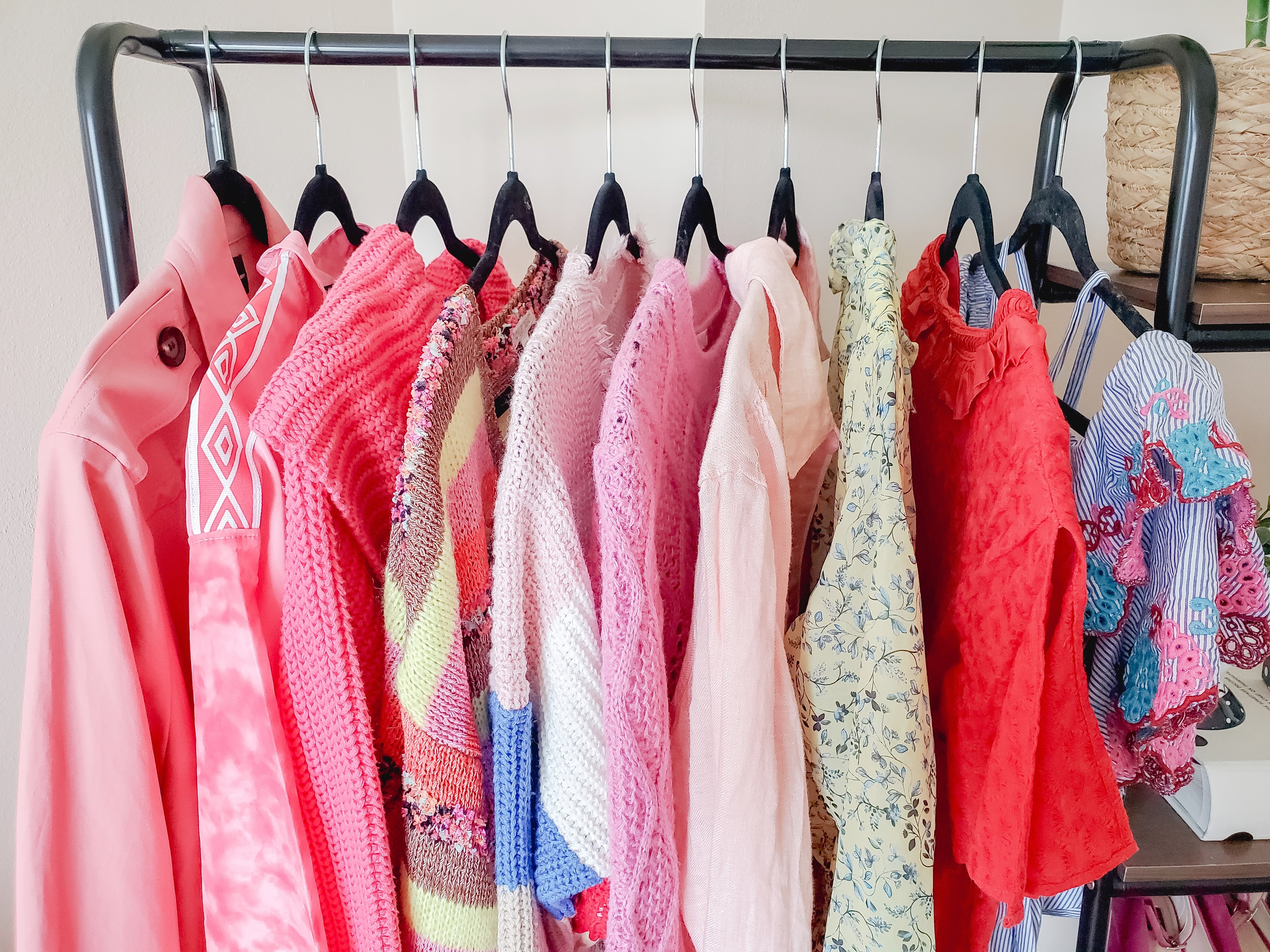
You can find the clothing rack pictured along with my fave reselling supplies here!

My Foolproof Shipping Method for Poshmark Resellers

Shipping several orders at once from Poshmark can be daunting! I have been using this foolproof shipping method for more than a year with ZERO mistakes. No switched labels, wrong items, or unseen flaws.

What makes this process so “foolproof?” I take my time on each sale and only focus on one at a time. I discourage you from printing out all your labels at the same time because that leaves room for error. Did you match the right label to the right item? Do you have to double-check? Do you spend time writing on the back of the label?

This was exactly how I would process multiple sales when I first started reselling. I can’t say it led to a ton of errors, but it definitely took more time and made me worry if I sent the wrong items.

The process I am giving you below works best for me, but I have everything in one room. My shipping supplies, computer, inventory, and printer are all in one place. If you don’t have this, some steps might not make as much sense and I have added alternate options that lead to the same outcome!


Posh Office Foolproof Shipping Method:

  1. Open “My Sales” in Poshmark.
  2. Open Airtable in a new tab (I have two screens so I put this on one screen) or your preferred inventory tracker.
  3. In “My Sales” right-click to open each sale in a new tab.
  4. Check the order status boxes (this is important for step 11), download the label & print.
  5. Copy & paste the title of the listing in Airtable search or however you like to find the listing in your inventory records.
  6. Record the sold listing in your inventory records.
  7. Locate the inventory number and pull the item.
  8. Package up your item and take the label off the printer.
  9. Success!
  10. Repeat steps 4-8.
  11. Return to “My Sales” overview page and refresh it. Double-check that all orders say “pending shipment scan” and not “sold.”

Multiple Room Foolproof Shipping Method:

  1. Open “My Sales” in Poshmark.
  2. Open Airtable in a new tab (I have two screens so I put this on one screen) or your preferred inventory tracker.
  3. In “My Sales” right-click to open each sale in a new tab.
  4. Copy & paste the title of the listing in Airtable search or however you like to find the listing in your inventory records.
  5. Record the sold listing in your inventory records.
  6. Write down the inventory number.
  7. Repeat 4-6 for each item.
  8. Pull your inventory from storage using the numbers or descriptions you just wrote down.
  9. Return to your open sale tabs and follow steps 10 & 11 one at a time.
  10. Check the order status boxes (this is important for step 13), download the label & print.
  11. Package up your item (double-checking its the right one) and take the label off the printer.
  12. Success!
  13. Return to “my sales” overview page and refresh it. Double-check that all orders say “pending shipment scan” and not “sold.”

If you would like to see how I manage my inventory, you can watch my YouTube video explaining it all! I use AirTable to keep track of my inventory, monthly sales, monthly listings, and social media growth. You can sign up for free here.

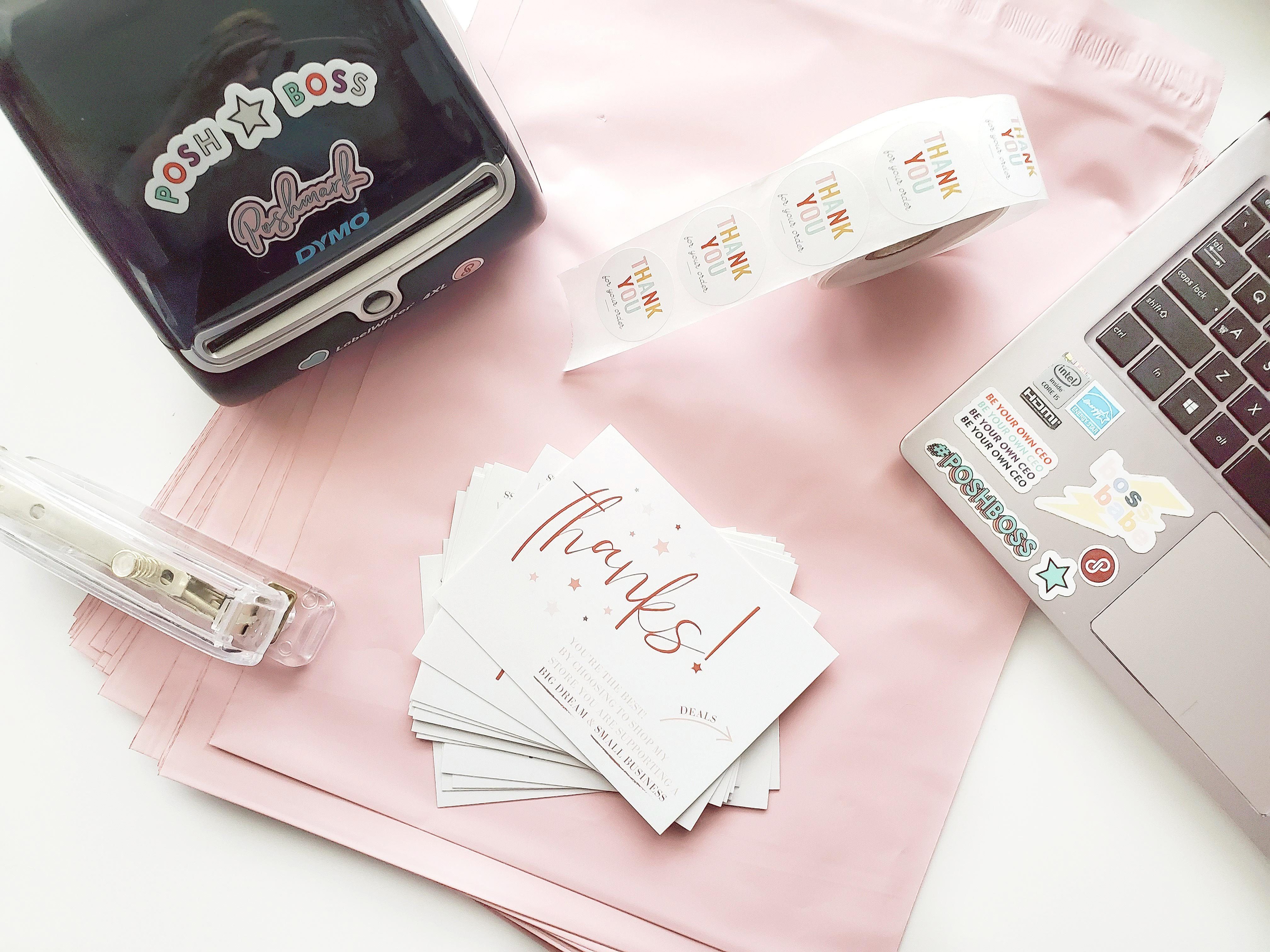
Shop a few of my favorite shipping supplies on my Amazon Storefront!

rollo label printer
Interested in a thermal label printer?
Use code “poshnebraska” for 10% off a Rollo Printer!

Find more reselling tips and advice here.

**This process is what works best for me and is just a suggestion.


Reselling Mistakes I’ve Made That You Can Avoid

When I started reselling on Poshmark in 2018, I had a few mentors giving me tips here and there. I had Instagram showing me brands and beautiful package pictures, but this led to various reselling mistakes! What I’d like to go back and tell myself is not to consume all of this information and believe I needed to follow the same path.

I am beyond thankful for everyone who has taught me something, even if it didn’t work out in my favor. Why? Because I have learned from those mistakes! So, what are my biggest past mistakes I would tell any new reseller to avoid?


Brands

My brand knowledge is 100% from Instagram and what other resellers are buying. While I have learned everything from this, it has also burned me many times. Brands almost always sell differently for everyone. Don’t go crazy trying to find a BOLO brand (been on the lookout) and ALWAYS check your comparable (comps) items.

Extras

Things you don’t NEED: fancy lighting, photography backdrop, thermal label printer, poly mailers, stickers, custom thank you cards, or a new camera. Do I have all of these things? Besides a camera, yes girl. I don’t use anything for my listing pictures anymore. No backdrop, no lighting. I found a bright corner in my apartment with natural light and put up a hanging bar on the wall! My pictures look 10x better than they did with a light kit and a faux wall backdrop.

Corner hanging bar for photographing clothing.

So why do we all have these fancy gadgets and extras? Because they DO help your productivity, reviews, and branding. I suggest starting out with the bare minimum and save for those big-ticket items like a label printer.

Editing

  1. Use square mode on your camera while taking pictures.
  2. Only edit your cover photo.
  3. Use an easy app like PicTapGo.
    • I use the “lights on” filter and adjust as needed.
    • Snapseed can help with additional brightening and use the “heeling” tool to remove things like light switches.
  4. Use an app like InstaSize to fit pictures into a square, like maxi dresses.

Cost of Goods Sold

My biggest reselling mistakes were made here! I started off by going to a Goodwill and thinking $5 for a top was a steal. Which it is if you are buying it for yourself. The general rule of thumb is to triple your money on a sale. So if that shirt is $5 you need to sell it for around $20 (Poshmark takes 20%).

Average selling price (ASP) is a goal to keep in mind in the long run. Starting out your ASP may be ~$15. Your ASP should start to increase if you put in a conscious effort while sourcing and pricing. Depending on what sourcing in your area looks like, you might stay at $15 if you are unable to find higher-end brands. Which is totally fine! Small sales add up.

Extra tip: check if you have a Goodwill Outlet/Clearance Center in your area! They put everything in huge bins that you dig through and you pay by the pound. A game-changer for your COGS.


Can you relate to these mistakes? Tell me in the comments!